Notion
Connected to Notion, the Copy as… menu on any Notion page gains AI-Ready Markdown — the whole page as clean Markdown, ready for an AI assistant, a README, or anywhere else.
Setup
- Open Settings → Integrations → Notion.
- Click Sign in with Notion and pick your workspace in the browser window that opens.
Share the pages you want to copy
Notion only lets an integration read pages you've explicitly shared with it. For each page (children inherit it):
- Open the page in Notion and click ••• in the top-right corner.
- Choose Connections and add Pinza.
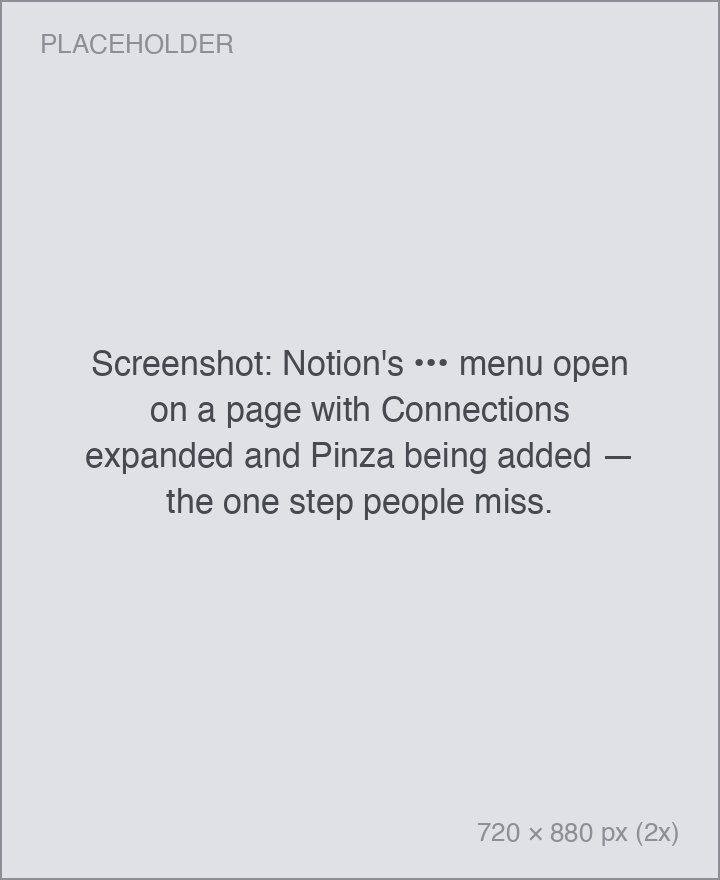
If you copy a page you haven't shared yet, Pinza tells you exactly that instead of failing silently.
Using it
- With the page open — in the Notion app or in a browser — press your Copy shortcut.
- Hover the HUD, open Copy as…, and choose AI-Ready Markdown.
- Paste.