
Example use cases
Ten everyday tasks, each a small recipe. All of them work in the free version unless marked Pro.
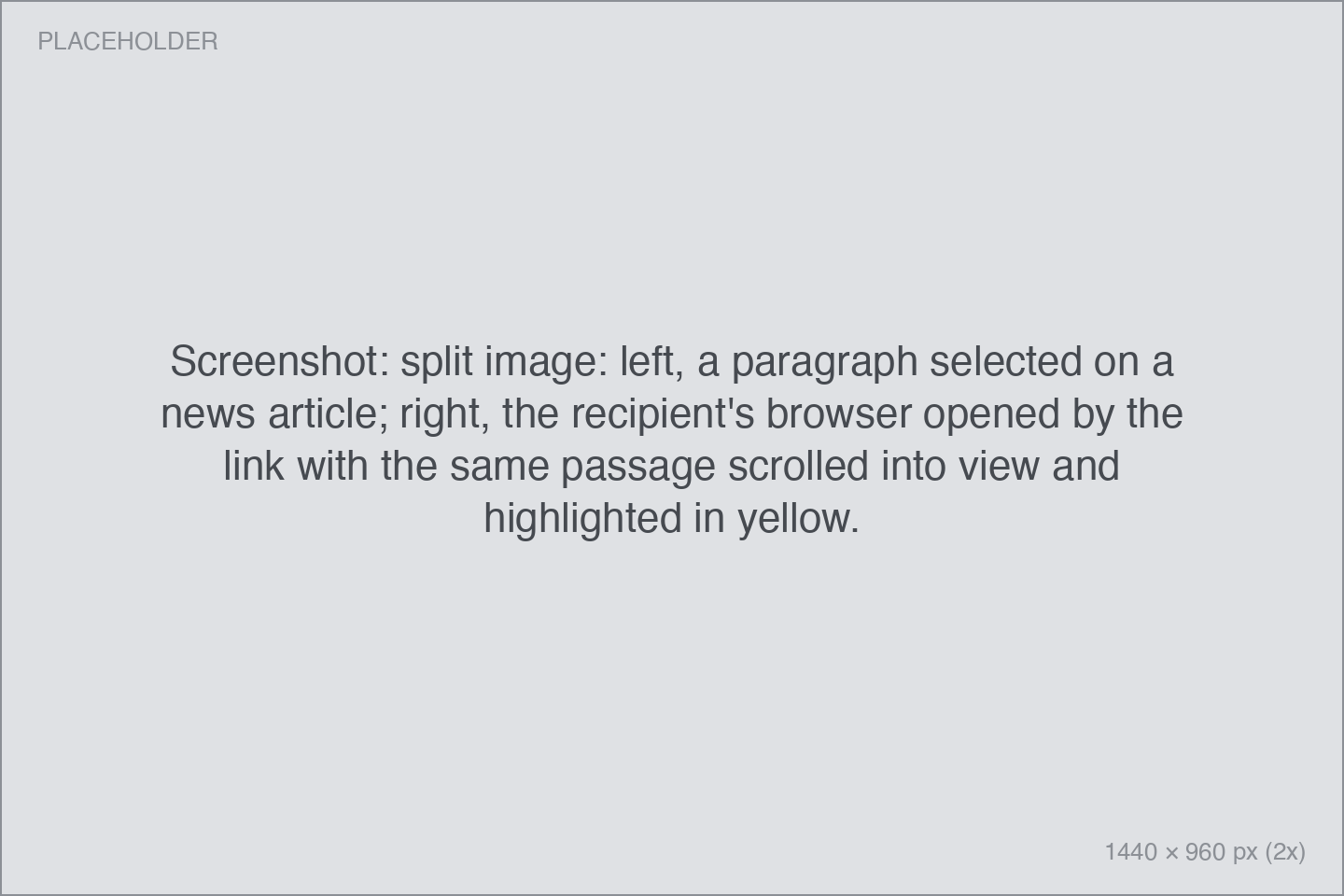
Share the exact sentence, not just the page
Send someone a link that scrolls straight to the passage you mean.
- In your browser, select the text you want to point at.
- Press your Copy shortcut.
- Paste. The link ends in
#:~:text=…— when opened, the browser jumps to your selection and highlights it.
Get back to page 37 of a PDF
- Open the PDF in Preview or Skim and go to the page you care about.
- Press your Copy shortcut. Pinza copies a link that ends in
#page=37. - Paste it into your notes. Skim links reopen the PDF on that exact page. Preview links open at-page in a browser.
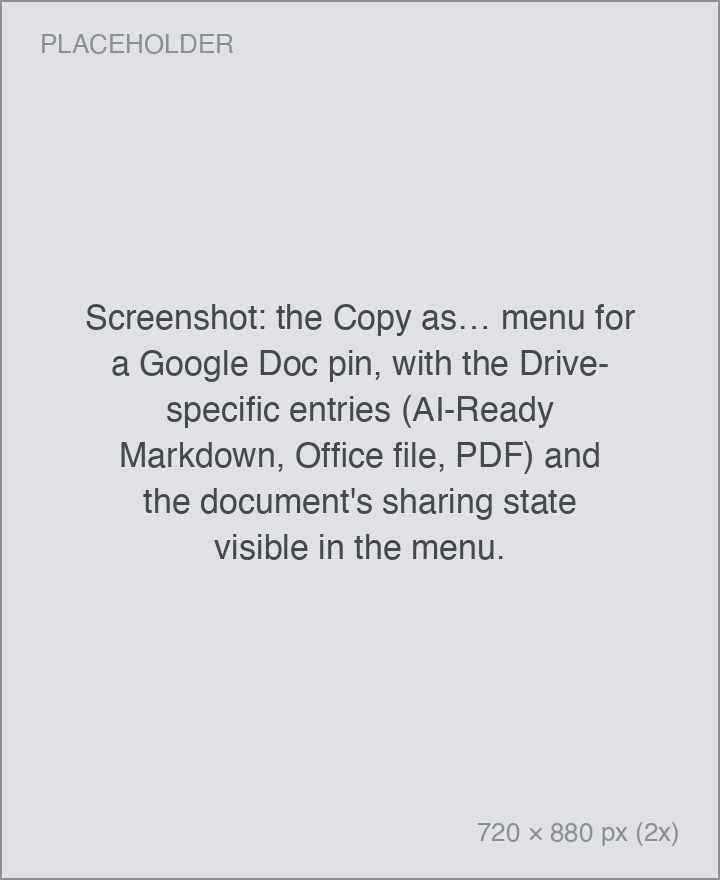
Turn a Google Doc into Markdown for an AI chat
- Connect Google Drive once.
- With the Google Doc open in a browser tab, press your Copy shortcut.
- Move the pointer over the HUD, click Copy as…, and choose the Markdown option.
- Paste clean, AI-ready Markdown into Claude, ChatGPT, or wherever you need it. The same works for Notion pages with the Notion integration.
Copy a file path for the Terminal
- Select a file in Finder.
- Press your Copy shortcut, then hover the HUD and click Copy as….
- Choose Tilde Path (Escaped) for a shell-safe
"~/…"form, or SCP Path to getMacBook:/path/to/filefor copying between machines.
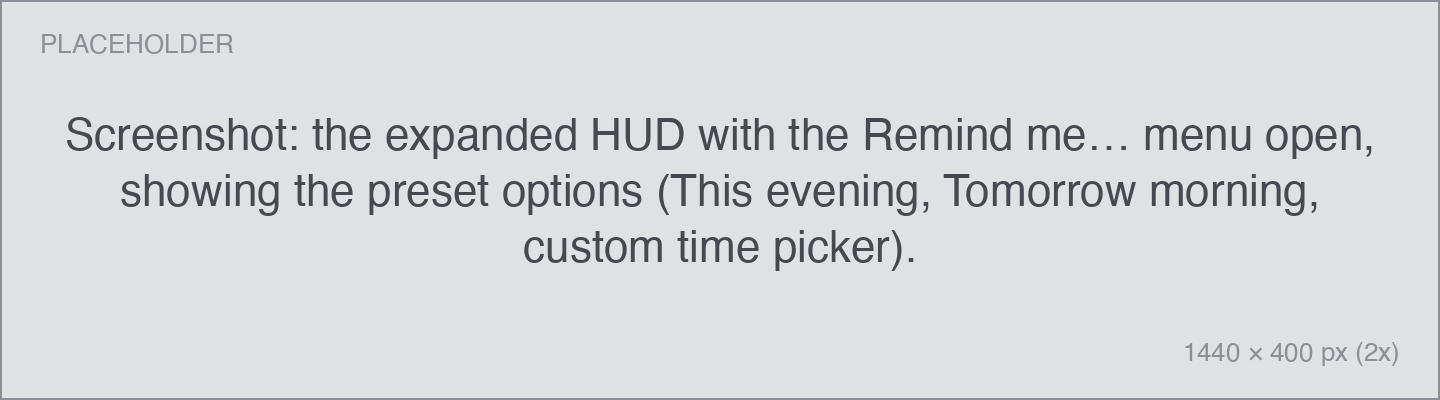
Read it this evening
- Copy an article with your Copy shortcut.
- Hover the HUD and click Remind me….
- Pick This evening. Pinza creates a reminder in Apple Reminders that links straight back to the page. The exact times behind "this evening" and "tomorrow morning" are yours to set in Settings → Integrations.
Link to an email from your to-do list
- Select a message in Apple Mail or Mimestream.
- Press your Copy shortcut. You get a
message:deep-link (Mail) or a direct Gmail URL (Mimestream). - Paste it into Things, Reminders, or your notes. Clicking it later reopens that exact message.
Share a song with someone on a different music service
- Play a track in Spotify and press your Copy shortcut.
- Pinza copies a song.link URL that opens in the recipient's own music service.
- Prefer a specific platform? Copy as… offers direct links for Apple Music, YouTube Music, Tidal, and more.
Send a YouTube moment
- Turn on the YouTube playhead for your browser once.
- Pause the video at the moment you want to share.
- Press your Copy shortcut. The link carries a
?t=timestamp, so it starts playing right there.
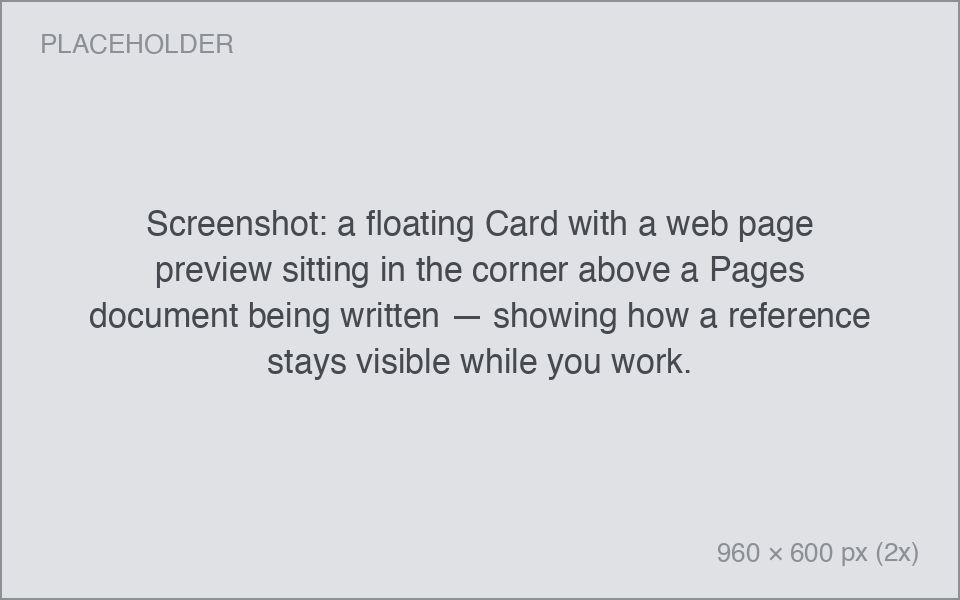
Keep a reference floating on screen
- Press your Recents shortcut and select a pin you keep coming back to.
- Press ⇧⌘D to float it as a Card — a small always-on-top window.
- Drag it wherever you like. Cards stay above other apps while you work; close one like any window.
Let your AI assistant search your pins (Pro)
- Turn on the MCP server in Settings → Integrations.
- Paste the one-block config snippet into Claude Desktop or another MCP client.
- Ask your assistant things like "find the pin about the Q3 budget". Everything stays on your Mac.