
Raindrop.io
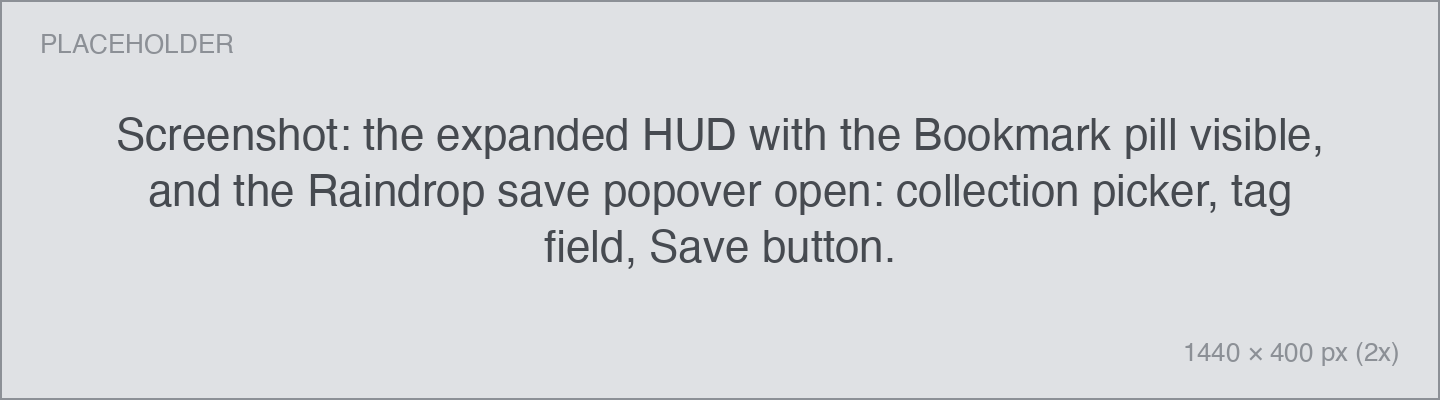
Raindrop.io is a bookmark manager. Connected, the HUD grows a Bookmark button: copy a link, click one button, and it's filed — with a collection and tags — without opening Raindrop at all.
Setup
- Open Settings → Integrations → Raindrop.io.
- Click Sign in with Raindrop.io and approve in the browser.
Using it
- Copy a link with your Copy shortcut.
- Hover the HUD and click Bookmark (or press ⌘D).
- Pick a collection, add tags if you like, and save.
Details worth knowing:
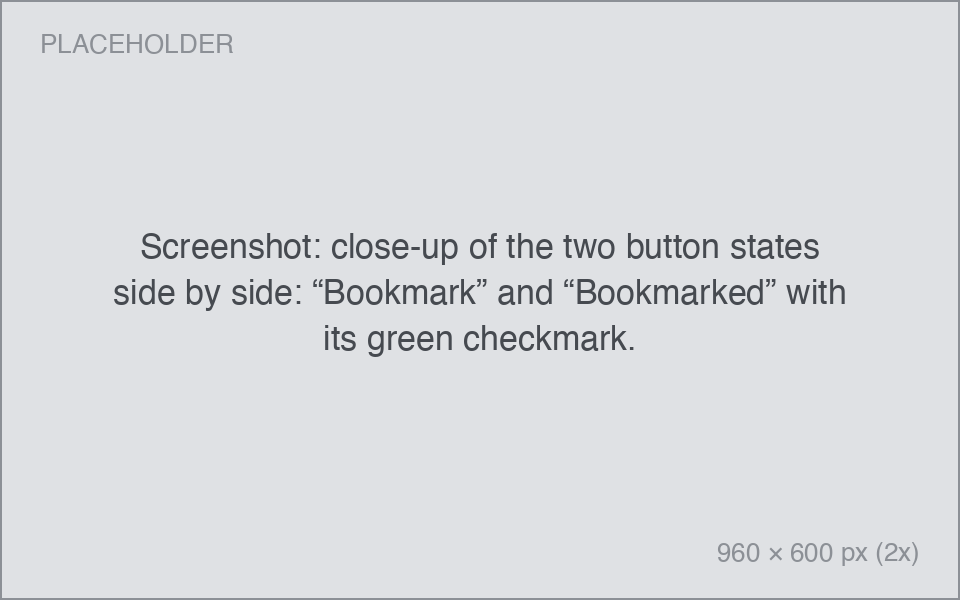
- If the link is already in your Raindrop, the button reads Bookmarked with a checkmark — no duplicates.
If you'd rather not see the button
The Bookmark button appears on every copied link once you're signed in. Turn it off with Settings → Integrations → Offer "Save to Raindrop" after copying a link — bookmarking then stays available from the pin's actions menu.