
Power users
Two pieces of plumbing for people who like plumbing: a plain-text config file, and a URL scheme.
The config file
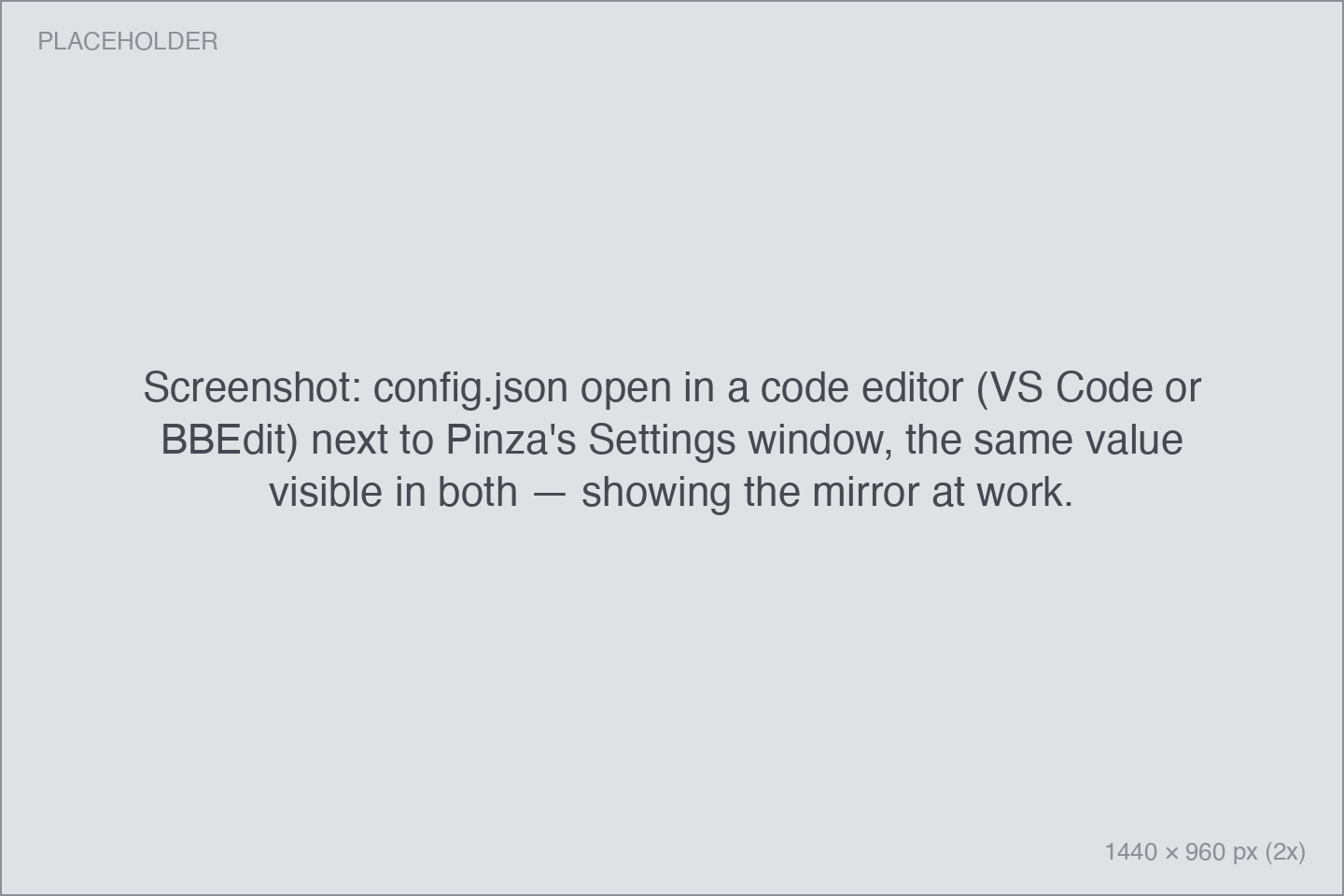
Every setting in Pinza is mirrored to a human-readable JSON file:
~/.config/pinza/config.json(If you set $XDG_CONFIG_HOME, Pinza honors it.)
The file is a real two-way mirror, so you can keep it in your dotfiles or copy it to another Mac:
- Changes in the app are written to the file within a second.
- Your edits to the file are applied when Pinza launches. Editing while Pinza runs won't take effect until the next launch — the app is the source of truth while it's open.
- The file can be sparse: any key you leave out keeps its in-app value. An invalid value for one key is skipped and logged; the rest still applies.
- A file that doesn't parse at all is never applied — Pinza sets it aside as
config.json.invalidand writes a fresh one, so a stray comma can't eat your settings.
The shape
{
  "version": 1,
  "general": {
    "launchAtLogin": true,
    "appearance": "auto",
    "menuBarIconStyle": "paperclip",
    "windowStyle": "launcher",
    "checkForUpdatesAutomatically": true
  },
  "shortcuts": {
    "copyDocumentPath": "ctrl+opt+c",
    "openRecents": "ctrl+opt+p"
  },
  "hud": {
    "position": "bottomLeft",
    "duration": "fiveSeconds",
    "dismissIndicator": "none",
    "sound": "pop"
  },
  "recents": {
    "displayCount": 10,
    "fetchFavicons": true,
    "fetchRichPreviews": true,
    "hideSiteNameInTitles": true
  },
  "actions": {
    "copyFormats": []
  },
  "integrations": {
    "preferredTerminal": "com.googlecode.iterm2",
    "raindrop": { "showInHUD": true },
    "reminders": { "morningTime": "09:00", "eveningTime": "19:00" },
    "detachedCards": { "floatAboveApps": true, "restoreOnLaunch": false }
  },
  "mcp": {
    "enabled": false,
    "tools": { "search": true, "list": true, "get": true, "reveal": true, "copy": false }
  },
  "accessibility": { "reduceMotion": "followSystem", "highContrast": "followSystem" },
  "privacy": { "crashReporting": false },
  "bin": { "enabled": true, "retentionDays": 30, "requireTouchID": true }
}
A few conventions:
- Shortcuts are strings like
"ctrl+opt+c"or"shift+cmd+p". An explicitnullmeans the shortcut is cleared. - Reminder anchors are 24-hour
"HH:MM"strings. actions.copyFormatsholds your Copy as… configuration — order, visibility, and your custom formats — which makes custom formats portable between Macs.- Secrets are not in this file. The Mistral API key and all account sign-ins live in the macOS Keychain.
The pinza:// URL scheme
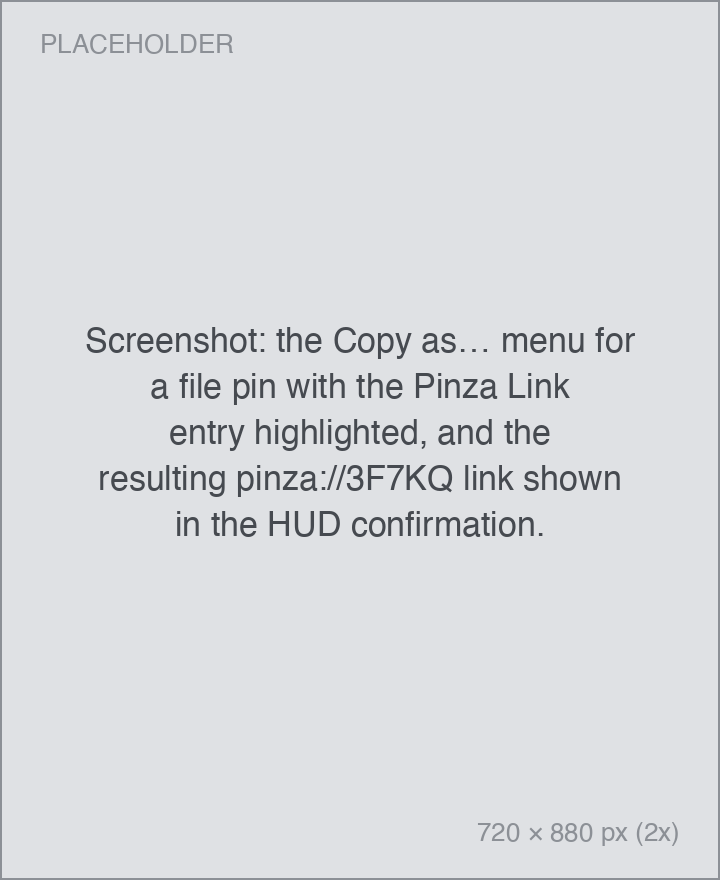
Every file or deep-link pin can mint a short permalink:
pinza://3F7KQGet one from Copy as… → Pinza Link on the pin. Minting a permalink also pins the entry, so the link keeps working even as history moves on. (Web URLs don't offer this — they're already portable links.)
Paste these into your notes, task manager, or scripts. Opening one:
| Link | What happens |
|---|---|
pinza://3F7KQ |
Files are revealed in Finder; links and deep links open |
pinza://3F7KQ?action=open |
The target opens (files too) |
pinza://3F7KQ?action=copy |
The pin's value is copied again |
Notes:
pnz://works identically topinza://, for the brevity-inclined.- IDs are five characters, case-insensitive, and never use the easily-confused I, L, O, or U.
- Permalinks are local to the Mac that minted them — they're pointers into your history, not sharable URLs.
From a script:
open "pinza://3F7KQ?action=copy"