
Troubleshooting
Most Pinza problems come down to one of two macOS permissions. Start there.
The shortcut does nothing
Work down this list:
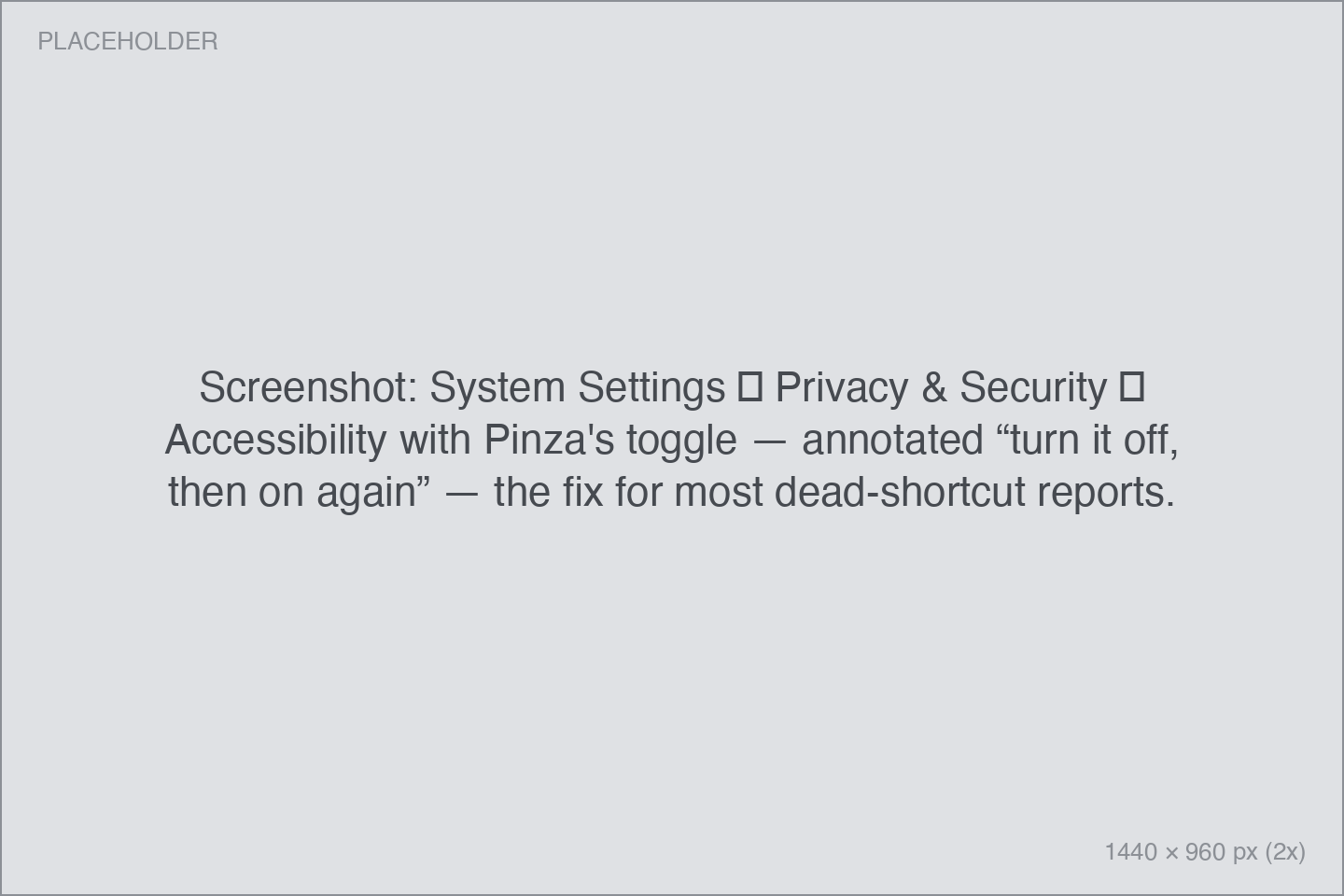
- Check the Accessibility permission. Open System Settings → Privacy & Security → Accessibility and make sure Pinza is toggled on. Pinza can check for you: Settings → About → Check Accessibility Permissions…
- Toggle it off and on. After a Pinza update, macOS sometimes keeps the checkbox on while silently revoking the grant. Toggle Pinza off and back on in that same list.
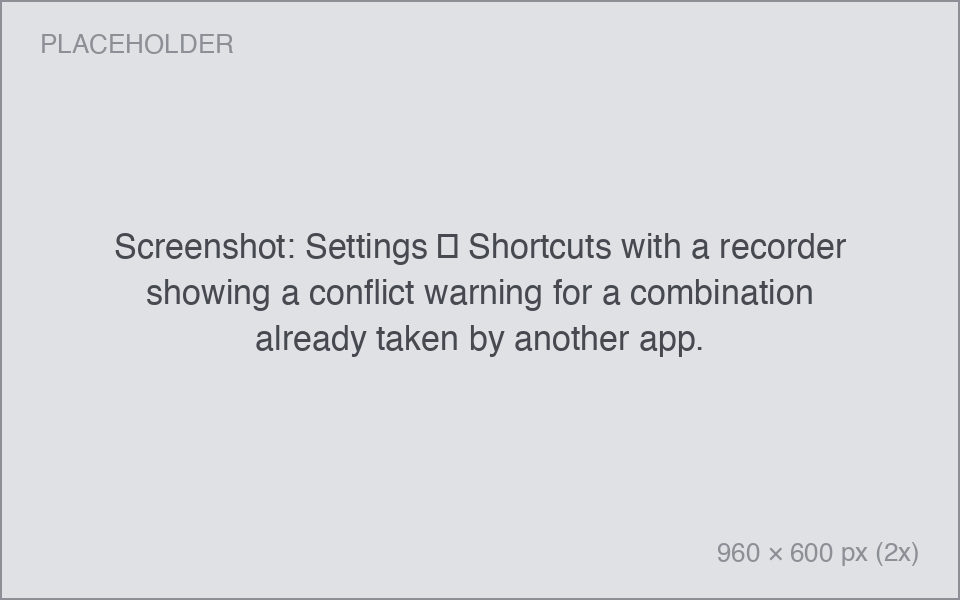
- Check for a shortcut conflict. Another app may claim the same combination. Open Pinza's Settings → Shortcuts — if the recorder shows a warning, or pressing the shortcut does something else entirely, pick a different combination.
"Pinza wants access to control …"
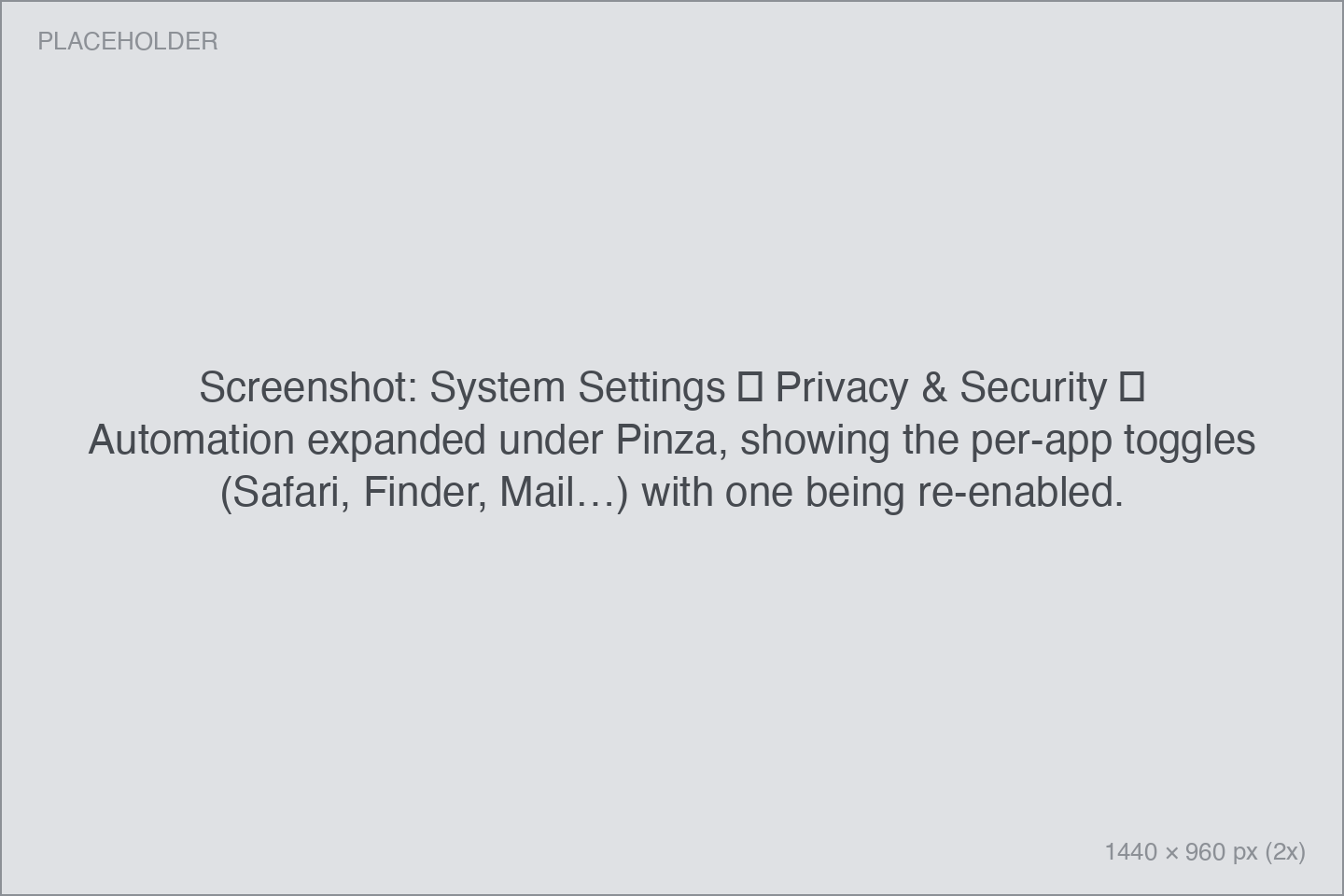
That dialog is macOS's Automation permission, and it's expected: the first time Pinza asks an app for its URL or file path, macOS checks with you, once per app. Click OK.
Clicked Don't Allow by accident? Go to System Settings → Privacy & Security → Automation, find Pinza, and toggle the app in question back on. If things are thoroughly tangled, Settings → About → Reset All Automation Permissions… starts the dialogs over from scratch.
An app copies the wrong thing — or nothing
- Check the app's entry in Supported apps; several have small requirements (VS Code needs a window-title setting, Slack needs the message clicked, Apple Music only handles catalog tracks).
- If an app has no dedicated support, Pinza falls back to asking for the app's open document, which not every app answers.
- Still wrong? Email hello@pinza.app with the app's name, what you copied, and what you expected. App support is the product; these reports directly shape releases.
App-specific notes
| Symptom | Explanation |
|---|---|
| VS Code / Cursor / Windsurf yields nothing | Add ${activeEditorLong} to the editor's window.title setting so the full file path is visible to Pinza |
| A JetBrains link doesn't navigate | The links only resolve while that project is open in the IDE |
| Slack types a stray "L" | Your cursor was in the message field; press ⌘Z in Slack and click the message first next time |
| An Obsidian link misfires | Vault or note names containing - confuse the window-title parsing |
| Apple Notes gives no link | Only notes shared via iCloud have linkable URLs |
| Podcasts gives no link | Pinza links the playing episode; play something first |
| Apple Music gives nothing | The selected track is a local upload, not Apple Music catalog content |
| A Preview PDF link opens on the wrong page | Preview ignores its own page fragment when reopening; the links work in browsers, and Skim round-trips them properly |
| A YouTube link has no timestamp | The playhead needs a per-browser switch, and the video must be paused |
The HUD is in the way
Drag it to another corner — it snaps to the nearest zone and remembers. Or change Settings → General → Copy Confirmation Position. The card can't go top-right; macOS notifications live there.
Deleted a pin by accident
Copying stopped working after a macOS update
Same fix as after Pinza updates: System Settings → Privacy & Security → Accessibility, toggle Pinza off and on.
License issues
- Lost your key? It's in the email Gumroad sent after purchase. Recover it through Gumroad's library or email us.
- "Seat limit reached"? One key covers five Macs. Deactivate an old Mac from Settings → Pinza Pro on that machine — or email us and we'll free the seat.
Updates
Pinza updates itself via Sparkle: signed, verified, and checked on startup if you allow it. Settings → About → Check Now… forces a check. Release notes live on the releases page.
When you report a bug
Email hello@pinza.app with what you did, what you expected, and what happened instead. If the app crashed, consider opting in to anonymous crash reports (Settings → About → Diagnostics, off by default) so the next crash reaches us automatically.